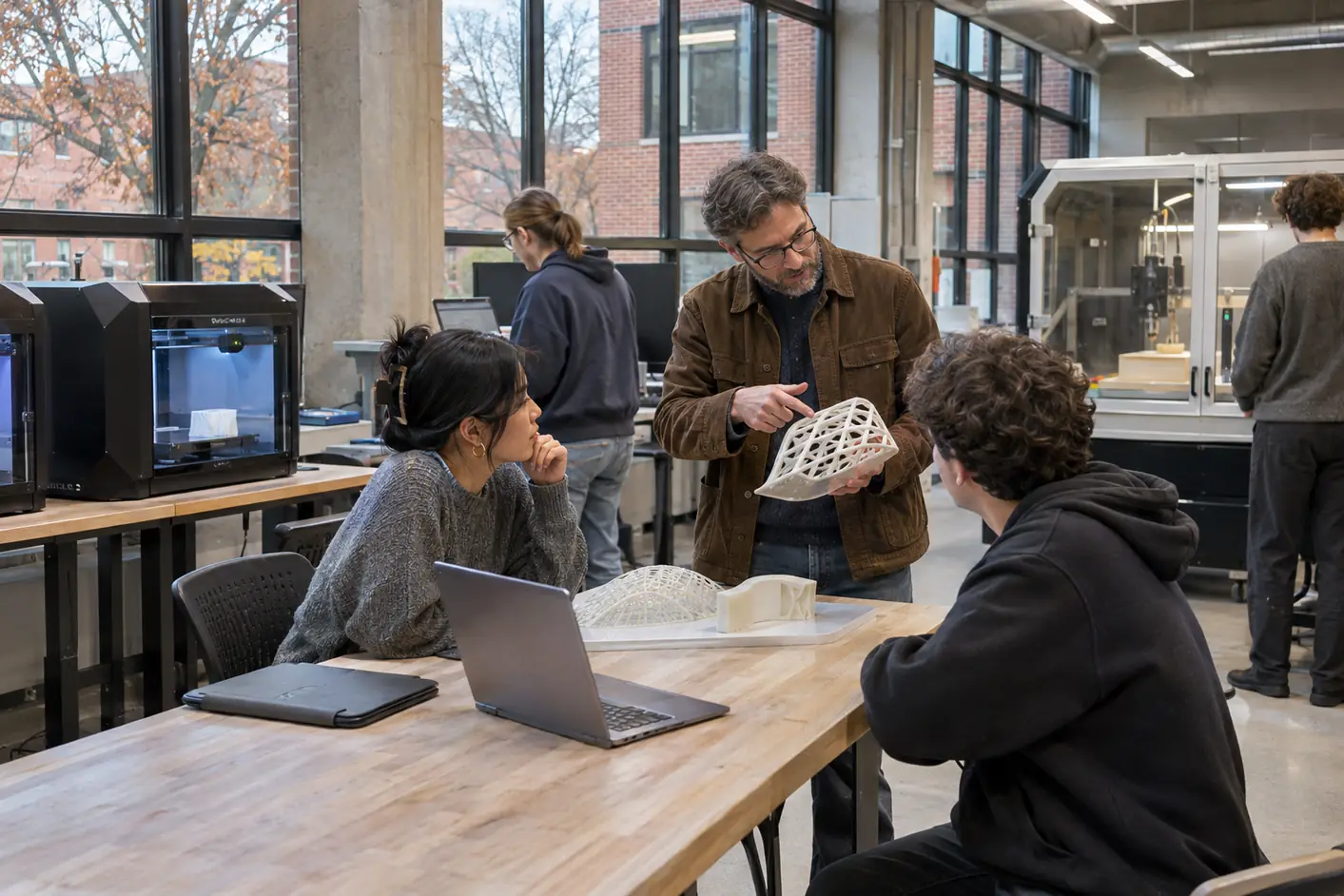
A prototype should answer a question.
Studio Annex gives students a setting in which a form, an assembly or a process choice can become something to examine. A rough model can test reach or proportion before a more detailed object is needed. The next stage depends on the question still unanswered, not simply on making a smoother surface.
The digital fabrication area includes enclosed desktop additive tools, approved model-making tools, material samples and critique tables. Students prepare the geometry and process before an authorized session, then compare the result with the purpose of the model.
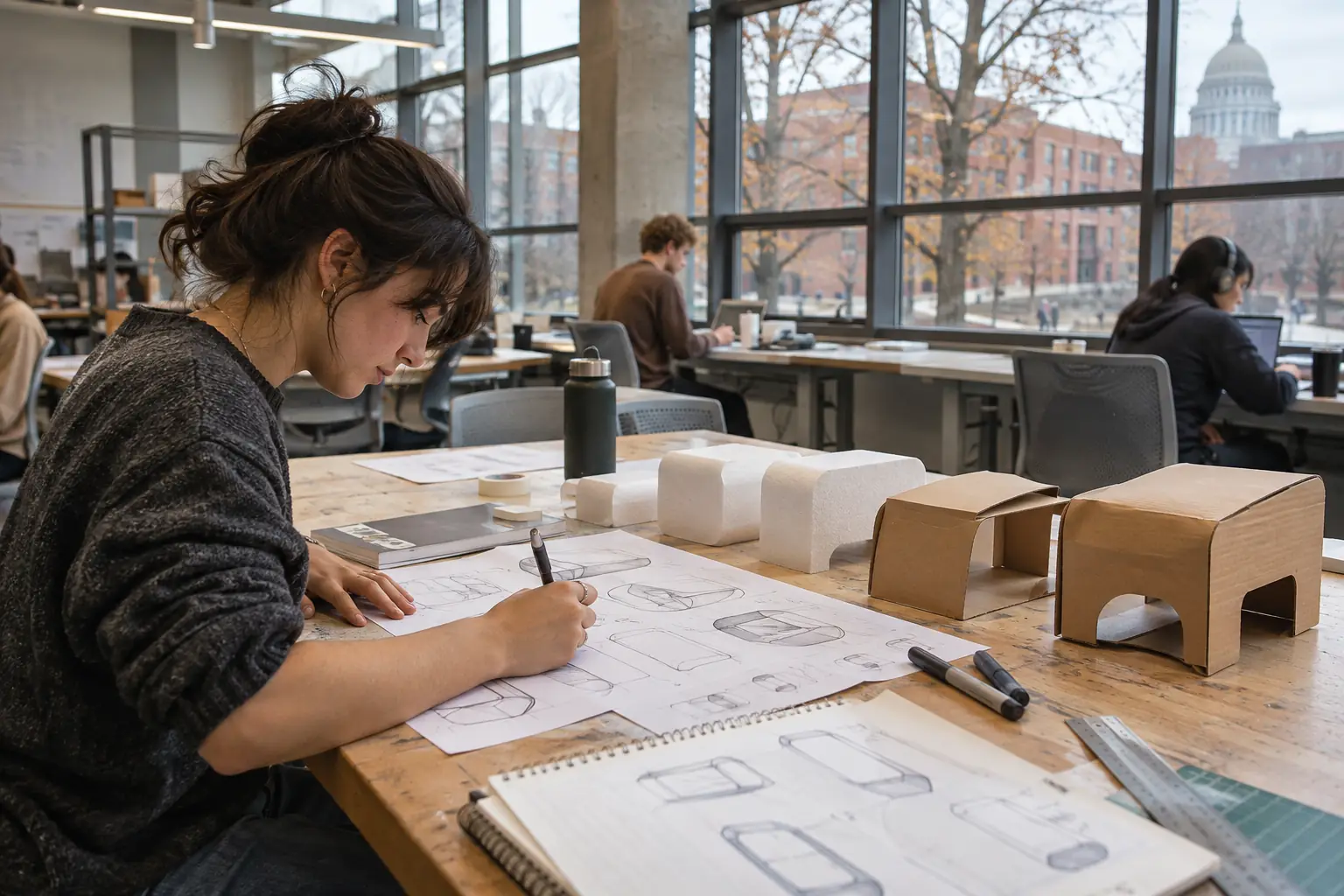
Drawing, making and evaluation.
Model Making and Prototyping develops material and method choices. Product CAD and Surfaces connects detailed geometry with assembly and review. Computer-Aided Manufacturing prepares process records and simulated toolpaths for approved work.
The Digital Fabrication certificate uses these ideas in a focused course sequence. Degree students connect them with human factors, design research and later development studios. A machine output is evidence to inspect, not automatic proof that a proposal works.
Alternatives on the worktable.
Supervised tool access.
Complete the workshop induction and the authorization for the tools involved. Review materials, the intended process and the measurement or evaluation step with the responsible instructor. Keep the work position clear and leave a process record another person can follow.
Studio Annex is normally open Monday–Friday 8 a.m.–9 p.m. and Saturday 10 a.m.–4 p.m. Those building hours do not grant independent equipment access. Ask the School of Design & Human Systems about an approved session.
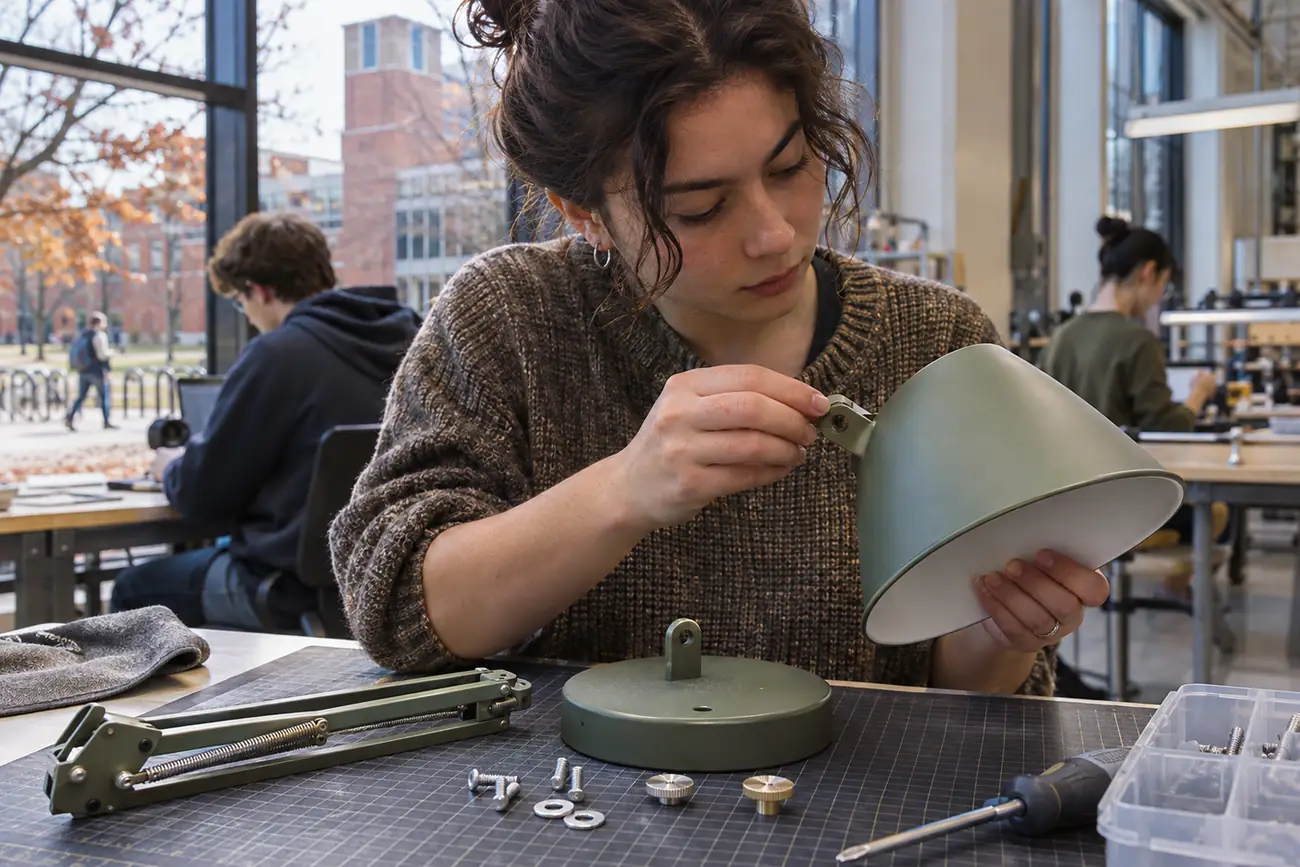
See the assembly as part of the design.
A task-light study considers a removable shade, an accessible cable path and common fasteners. Assembly trials and form models help students identify the next question rather than presenting a teaching prototype as a finished retail product.